PDF to PowerPoint - Not Just a PDF Converter
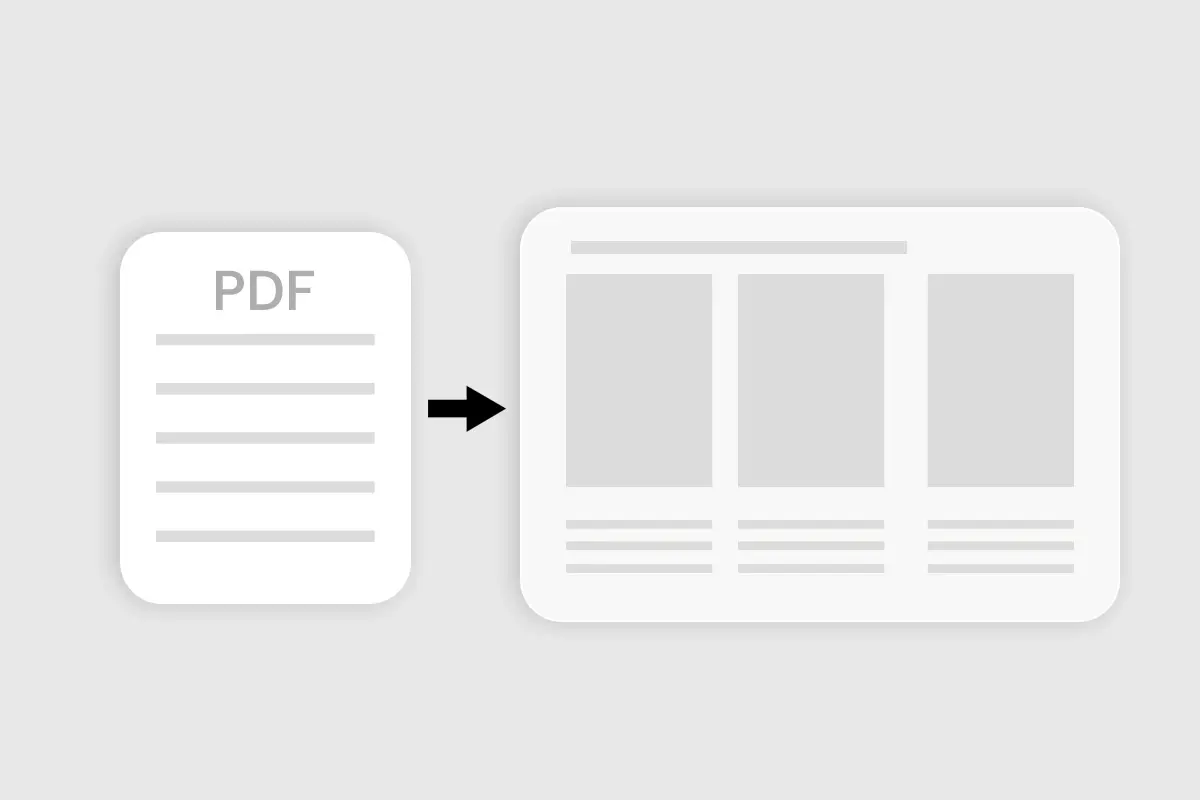
Most PDF to PPT Tools convert formats. Manus transforms complex data into visual PowerPoint. Smart summaries, graphic representations, and design-ready PPT.
How to Convert PDF to PPT
Transform your PDF into a visual PowerPoint presentation in three simple steps.
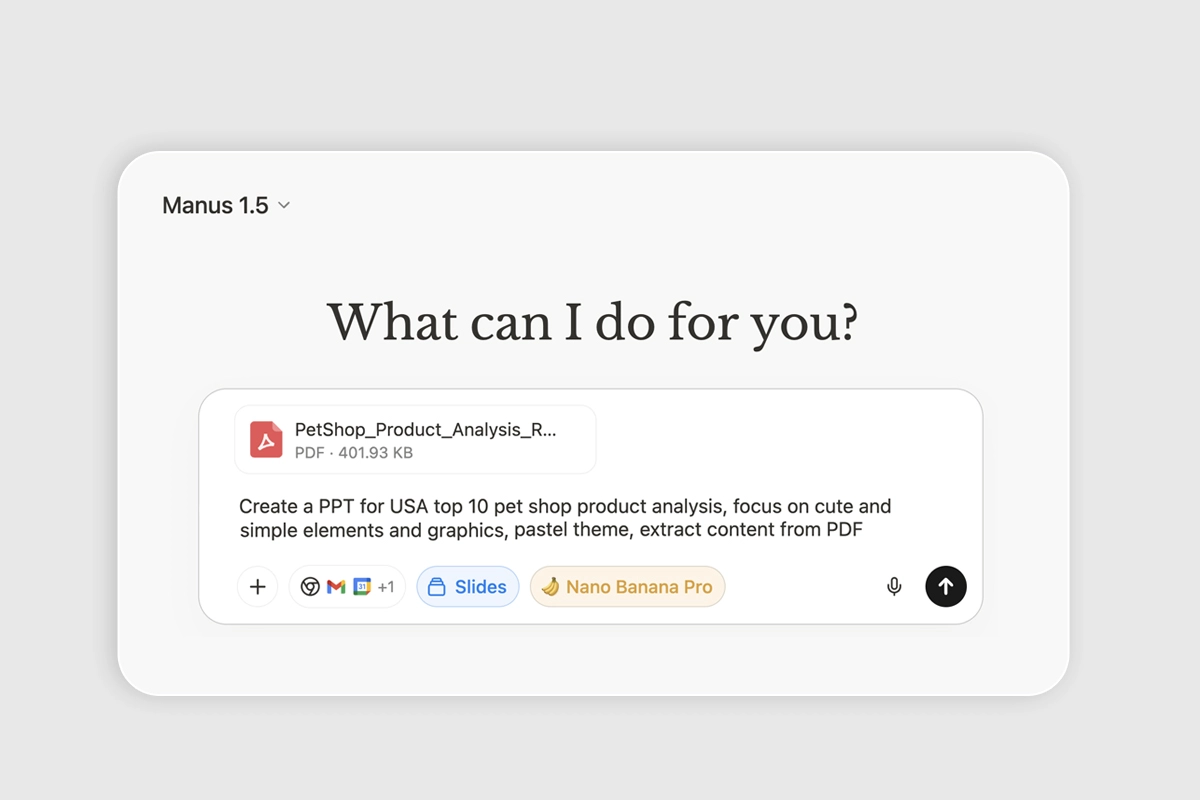
Step 1: Upload Your PDF
Drag and drop your PDF or click to browse. Manus analyzes the PDF document and extracts key data from text and tables.
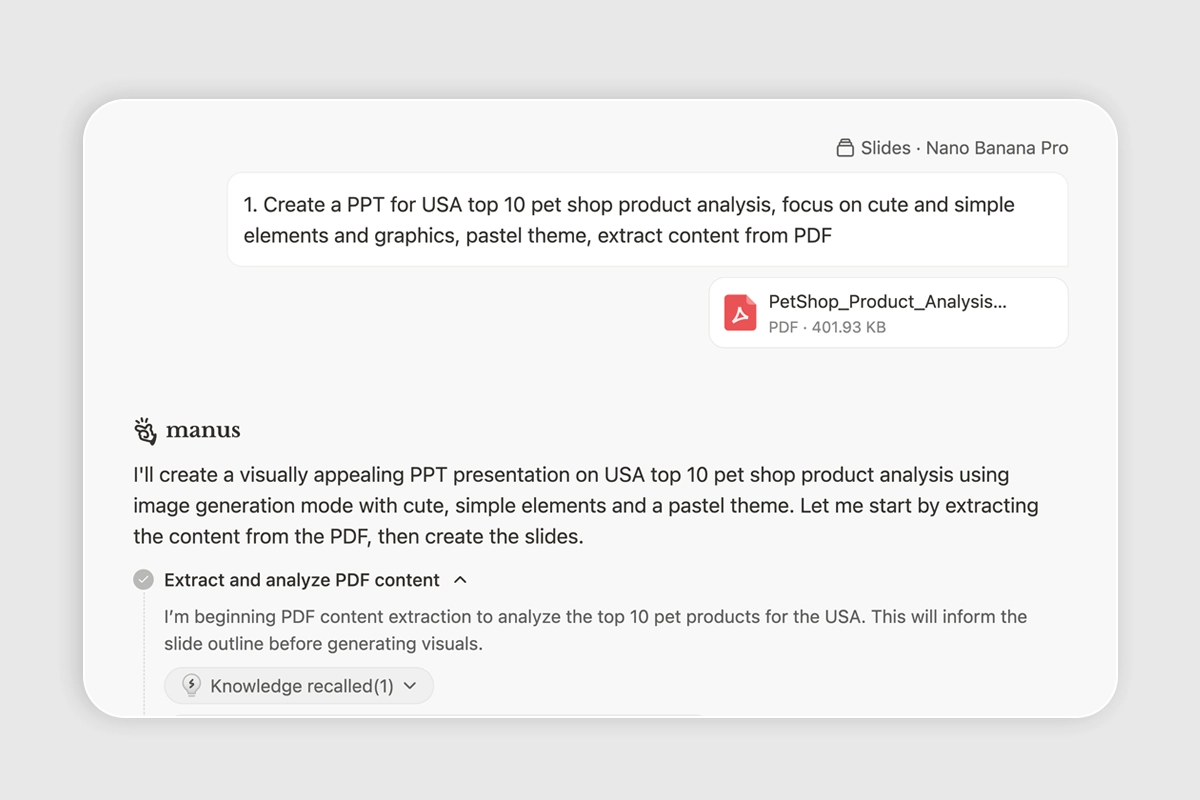
Step 2: Manus Designs Your Slides
Manus creates charts, highlights key points, and designs polished slides from your content.
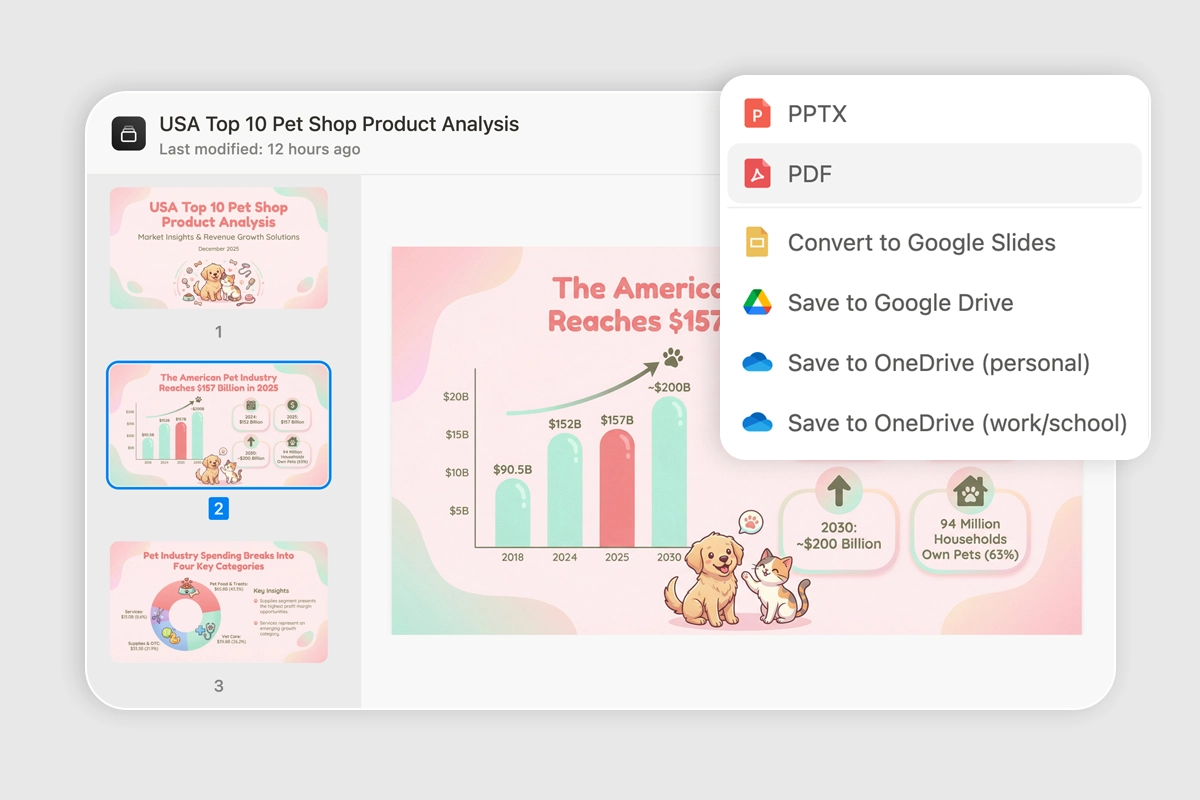
Step 3: Download Your PowerPoint
Get your design-ready presentation. Export as PPTX or Google Slides format instantly.
How Manus transforms PDF to Powerpoint
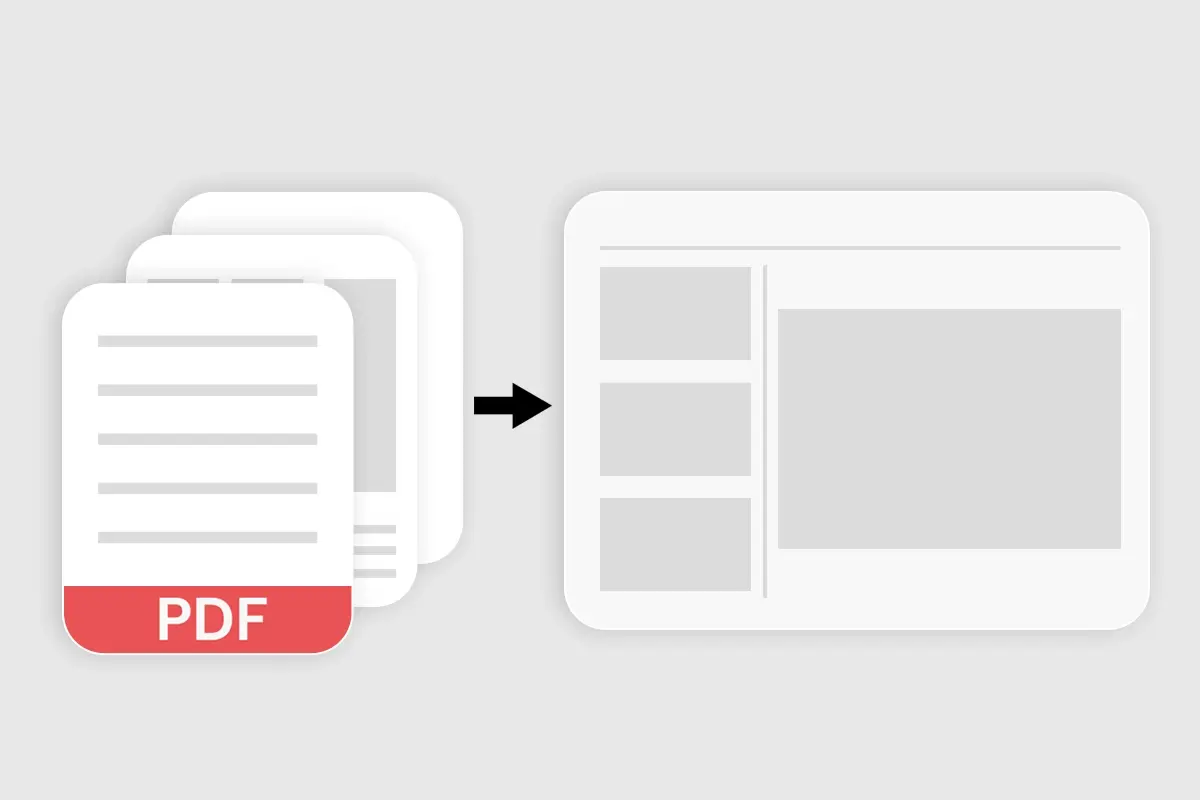
From Complex Data to Visual Graphics
Smart Summaries & Highlights
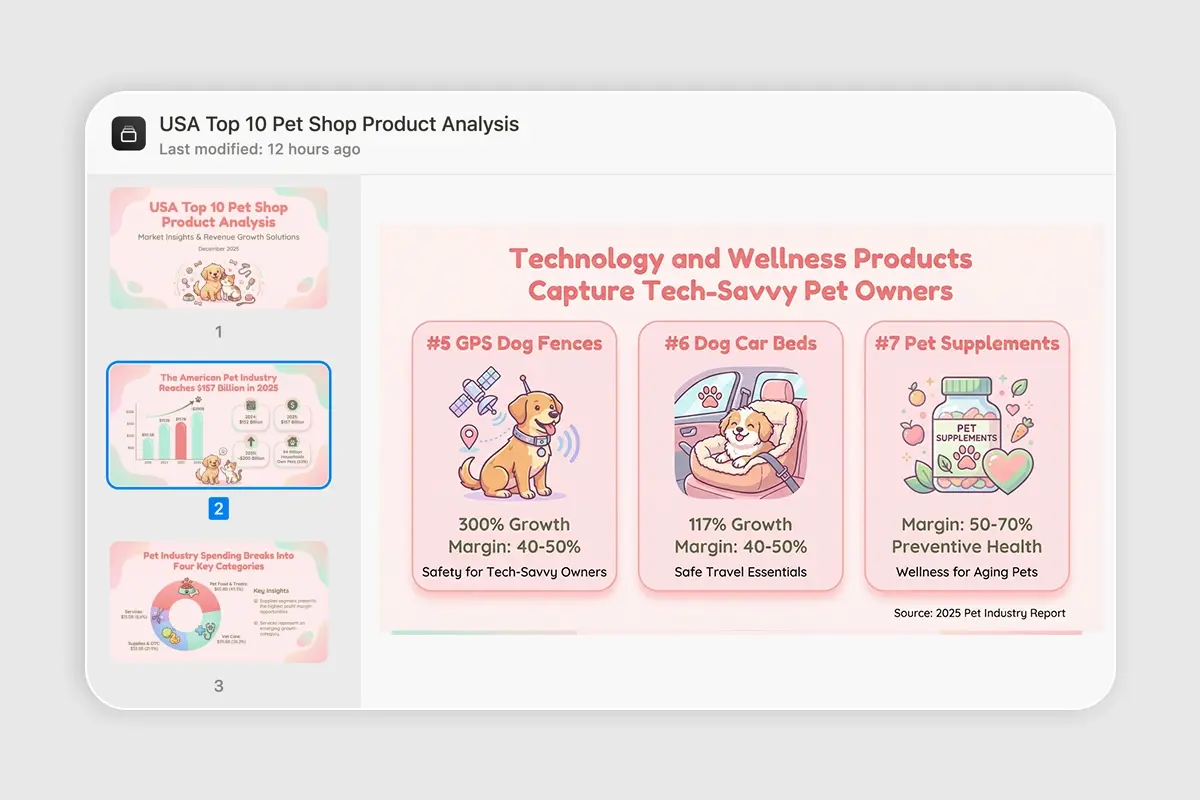
Ready-to-Present PowerPoints
See the transformation
Different document types, same intelligent processing.
Your questions, answered
How is this different from PDF to PPT converters?
Converters just change file formats. Manus transforms complex PDF data into visual PowerPoint with charts, highlights key points, and applies professional design.
What happens to tables and data in my PDF?
Manus converts PDF tables into appropriate PowerPoint charts and graphs. It chooses the right visual representation based on your data type.
Can I edit the PowerPoint output?
Yes. Every element in the PowerPoint is fully editable. Export to PPTX format and continue editing in PowerPoint or Google Slides.
What types of PDFs work best?
Reports, research papers, business documents with data and text. Maximum 100MB. Works with scanned PDFs using OCR.
How long does PDF to PowerPoint take?
Typical 30-40 page PDF: 2-4 minutes. Includes analysis, summarization, visual graphics creation, and PowerPoint design.
Explore more AI tools here
Discover other ways to create professional PowerPoint decks with Manus.